
The AI-native design workflow: how our studio actually uses AI end to end
AI is not a magic button. It is a set of leverage points across research, exploration, and production. Here is exactly where we apply it, and where we deliberately do not.
AI & Design
Prompting is a design skill now. A repeatable structure that gets useful output from AI tools without the guesswork.

TL;DR
Prompting has quietly become a core skill for anyone shaping a product. The people getting real leverage from AI tools are not writing secret incantations. They are writing clear briefs. The same clarity that gets you good work from a collaborator gets you good output from a model, and the same vagueness gets you the same forgettable mush. What follows is a reliable structure for a prompt, an example of it filled in and improved, the way to iterate without starting over, a set of prompts that fit design work specifically, and an honest account of where prompting stops helping.
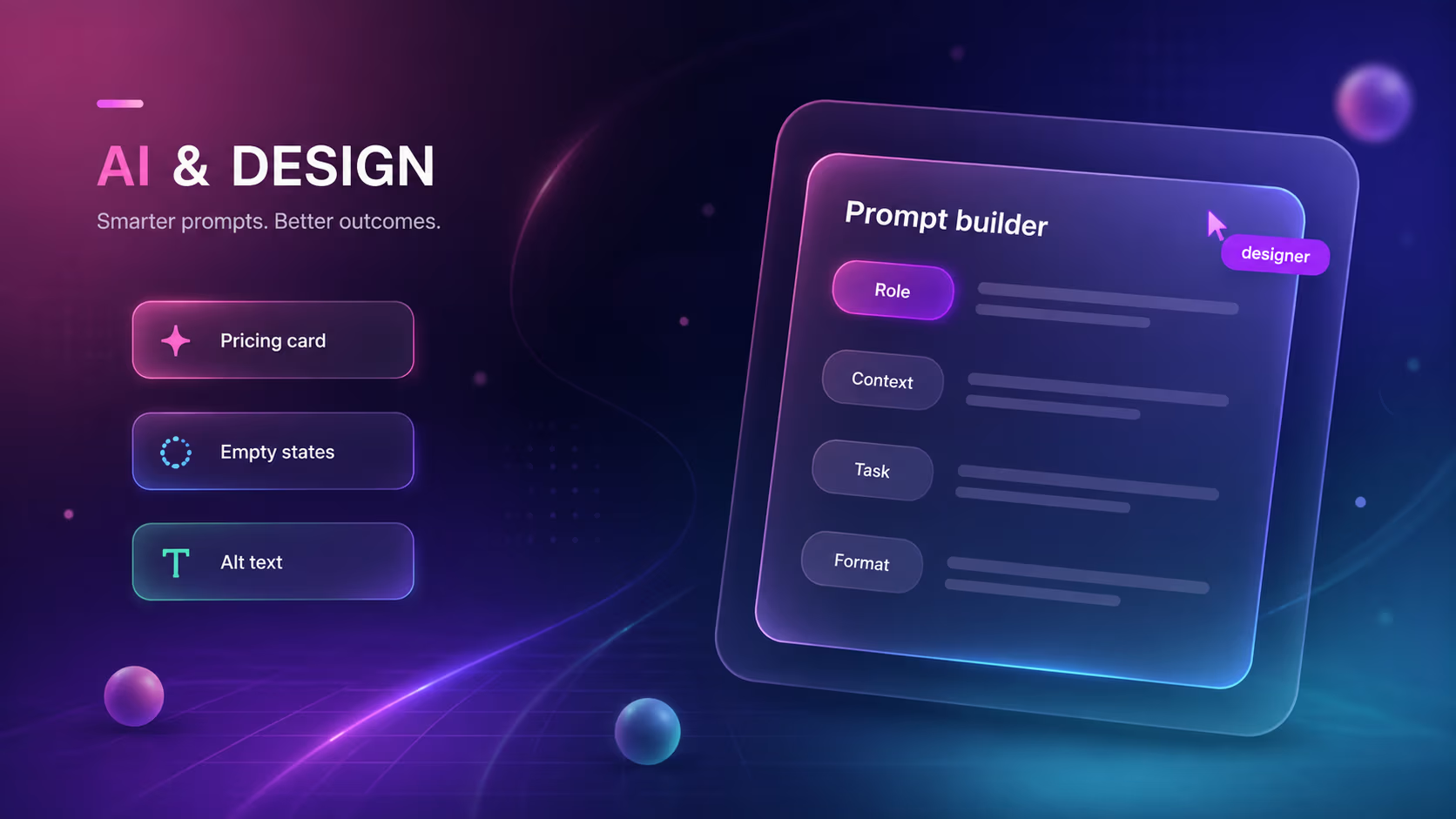
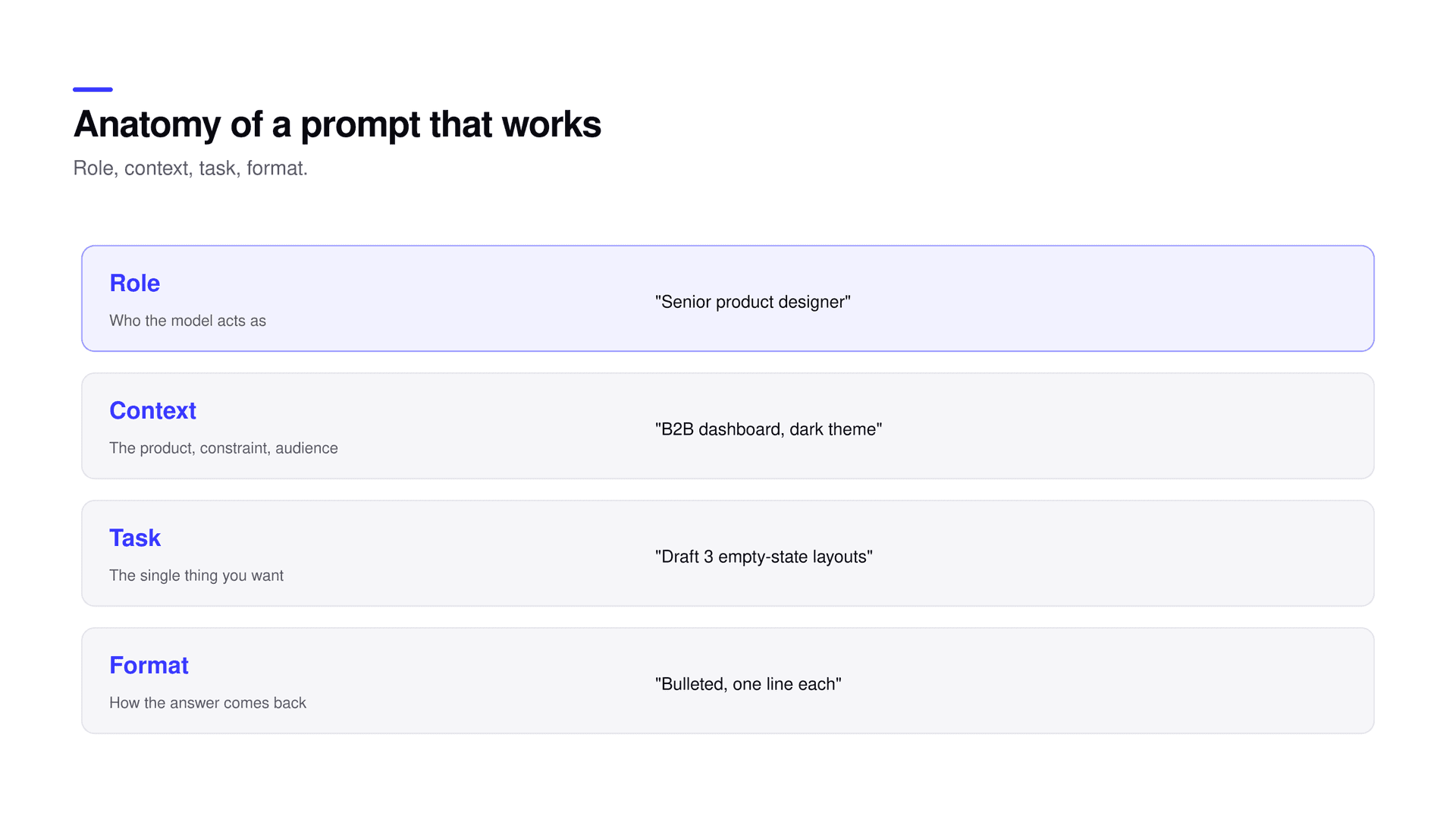
Every strong prompt has four parts, and it helps to think of them as slots you fill deliberately rather than a sentence you dash off. Role sets who the model is acting as, which fixes the vocabulary and the standard it writes to. Context is the product, the constraint, the audience, everything the model needs to know to be useful rather than merely plausible. Task is the single specific thing you want done, not three things bundled into one request. Format is how the answer should come back, so you receive something usable instead of an essay you then have to reformat by hand. Leave a slot empty and the quality drops in a way you can predict. No role and the tone is generic. No context and the answer is confident and wrong for your situation. No clear task and it wanders across several. No format and you spend as long cleaning the output as you saved generating it.
A weak prompt next to a strong one
Weak: "write empty state copy for my app." Strong: "Act as a product writer for a business analytics tool used by operations managers. Write the empty state for the Saved Reports list, shown to a new user who has not created one yet. Give three options, each a heading under eight words plus one supporting sentence, and a button label. Keep it plain and encouraging, not cute." Same model, completely different result, and the only thing that changed was the brief.

The single most common mistake is expecting the first output to be the answer. It is a draft, and drafts are meant to be corrected. Get a rough direction, then refine it with specific notes rather than regenerating from scratch and hoping. "Make the second option shorter and drop the exclamation mark" gets you somewhere; rolling the dice five more times gets you five more strangers. Treat the exchange like a review with a fast collaborator who has no ego: you are steering, not commissioning. Most of the quality shows up in the second and third pass, which is exactly the part people skip when they judge these tools on a single try and conclude they are useless. The tool is not the bottleneck there. The willingness to iterate is.
Keep a prompt library
When a prompt reliably produces good drafts, save it, name it, and improve it over time. Treat prompts like components: reusable, versioned, shared. A small library of proven prompts is worth far more than a single clever one, because it is how a team stops re-solving the same request every week and starts compounding.
| Recurring job | A saved prompt to start from |
|---|---|
| Empty and error states | "Write empty, loading, and error copy for {component}. Plain and specific, under twelve words each." |
| Alt text | "Write concise, descriptive alt text for this image for a screen reader, under 125 characters, no ‘image of’." |
| Copy review | "Review this UI copy for off-tone, inconsistent, or unclear lines and list only the problems with fixes." |
| Exploration | "Give me ten rough layout directions for {screen}. Volume over polish, I will discard most of them." |
A handful of patterns earn a permanent place in the library because they match how product work actually goes. Ask for volume when you are exploring, "ten rough directions I can react to," precisely so you do not fall in love with the first idea that half-works. Ask the model to critique against a named standard, "check this flow against WCAG 2.2 AA and list what fails," to catch the mechanical mistakes a person skims past. Ask it to find gaps, "what states am I missing for this component," because generators are unusually good at the boring completeness humans skip under deadline: the empty state, the error, the loading moment, the too-long string. And ask it to rewrite at a reading level, "rewrite this onboarding so a busy non-expert gets it on the first read," when clarity matters more than cleverness. Each of these uses the model where it is strong and keeps the judgment where it belongs.
Models are strong at breadth and drafts and weak at taste and truth. Use them to widen the option space quickly, then bring judgment to close it. They will produce something wrong with total confidence, so anything that matters gets checked against reality rather than accepted because it sounded right. The prompt gets you a good starting point. It does not get you off the hook for the decision. That line, the place where judgment stays with a person, is not a limitation to work around. It is the reason the output stays good, because the model supplies the average and a point of view is the thing it cannot supply.
Two practical worries come up constantly. First, which model should you use? The frontier models are close enough that workflow beats model choice; pick one, learn to brief it well, and keep your library, because switching tools matters far less than structuring the ask. Second, how do you stop the output from looking generic? Generic output comes from generic prompts. Supply a real point of view in the role and context, ask for many throwaway options instead of one polished answer, and make the final call yourself. The average is the model’s default state, and pulling away from it is the part that is still your job.
Good prompting is good briefing plus the humility to treat the output as a draft. Structure the ask, iterate in passes, save what works, and never hand over the decision.
Is prompting really a design skill?
Yes. The bottleneck is rarely the model, it is the quality of the brief. Being able to specify role, context, task, and format precisely produces dramatically better output than a vague request, and that is the same skill as writing a clear brief for a collaborator.
Which AI model should I use for design work?
It matters less than people think. The leading models are close enough that workflow wins. Pick one, learn to brief it well, and keep a library of prompts that work. Switching tools gives a smaller return than structuring the ask and iterating.
How do I stop AI output from looking generic?
Generic prompts produce generic output. Put a real point of view into the role and context, ask for many rough options rather than one answer, and make the final selection yourself. The model defaults to the average, so you have to pull away from it deliberately.
Will prompting let AI replace designers?
No. Prompting speeds up the mechanical parts of the work. The decisions, the point of view, and anything a real user should validate stay with a person, which is exactly what keeps the result good.
How many times should I iterate on a prompt?
Usually two or three passes with specific corrections beats one perfect attempt or ten random regenerations. Most of the quality arrives when you steer a draft rather than restart it.
Structure the ask into role, context, task, and format, iterate in passes instead of one shot, save the prompts that work, and never hand the model the decision. Do that and AI becomes a genuine multiplier on the mechanical parts of the work rather than a novelty. For the wider system this fits into, see how a studio uses AI across the whole process; for the judgment it cannot replace, why taste is the moat. If you want a team that already works this way, start a project.
Related reading